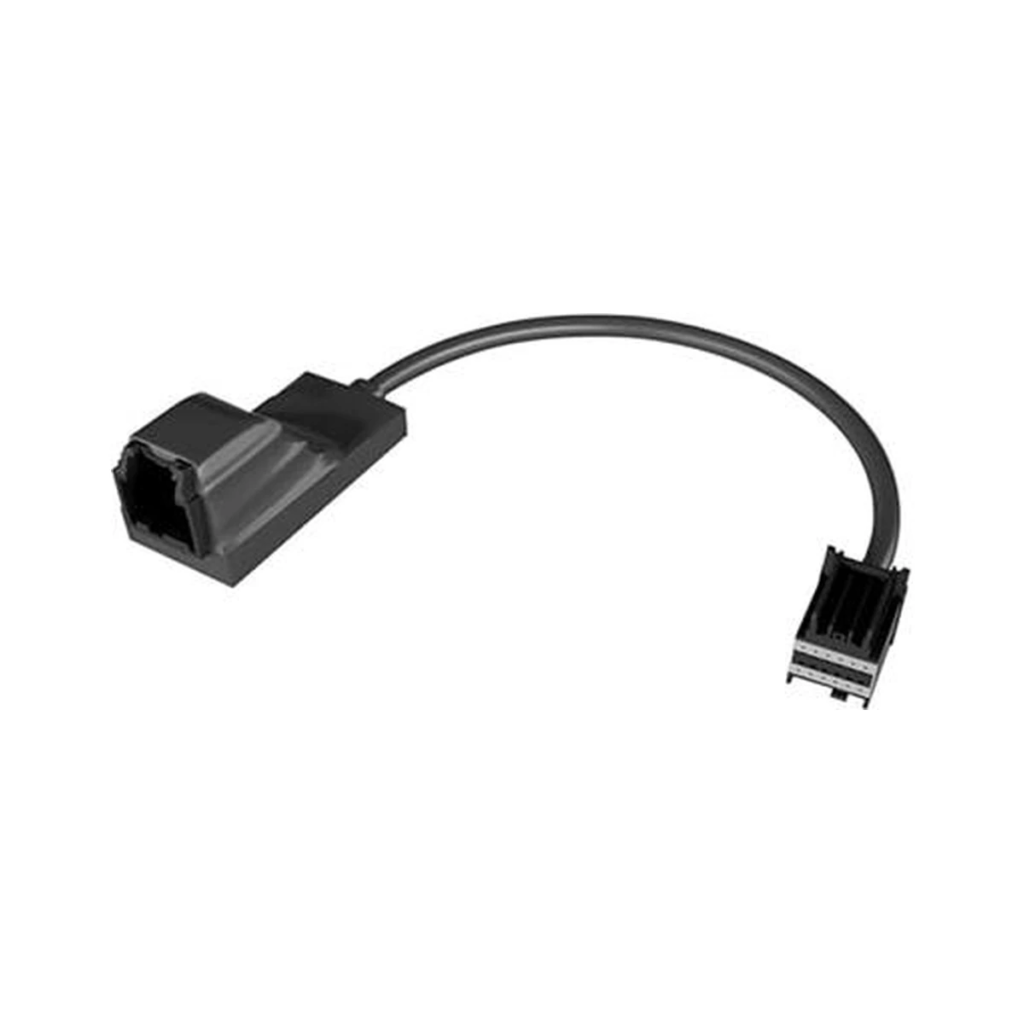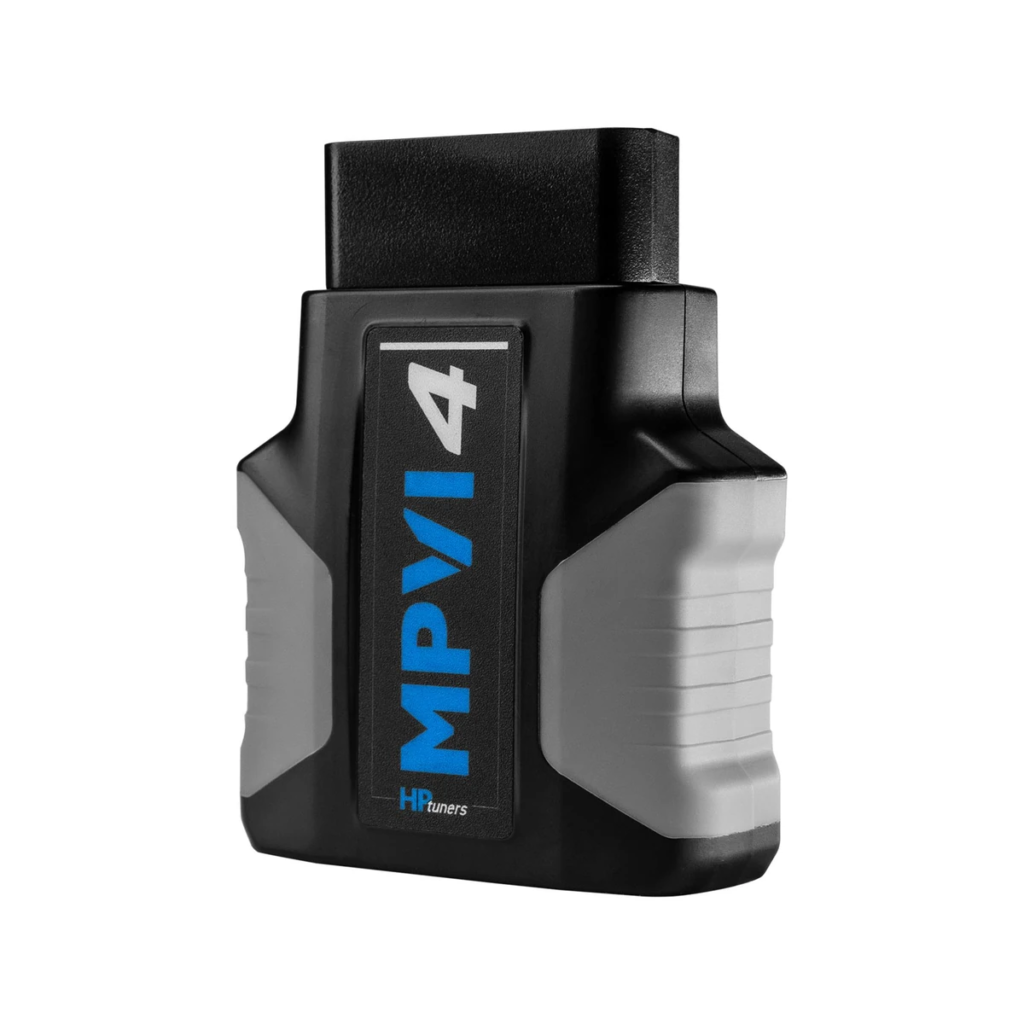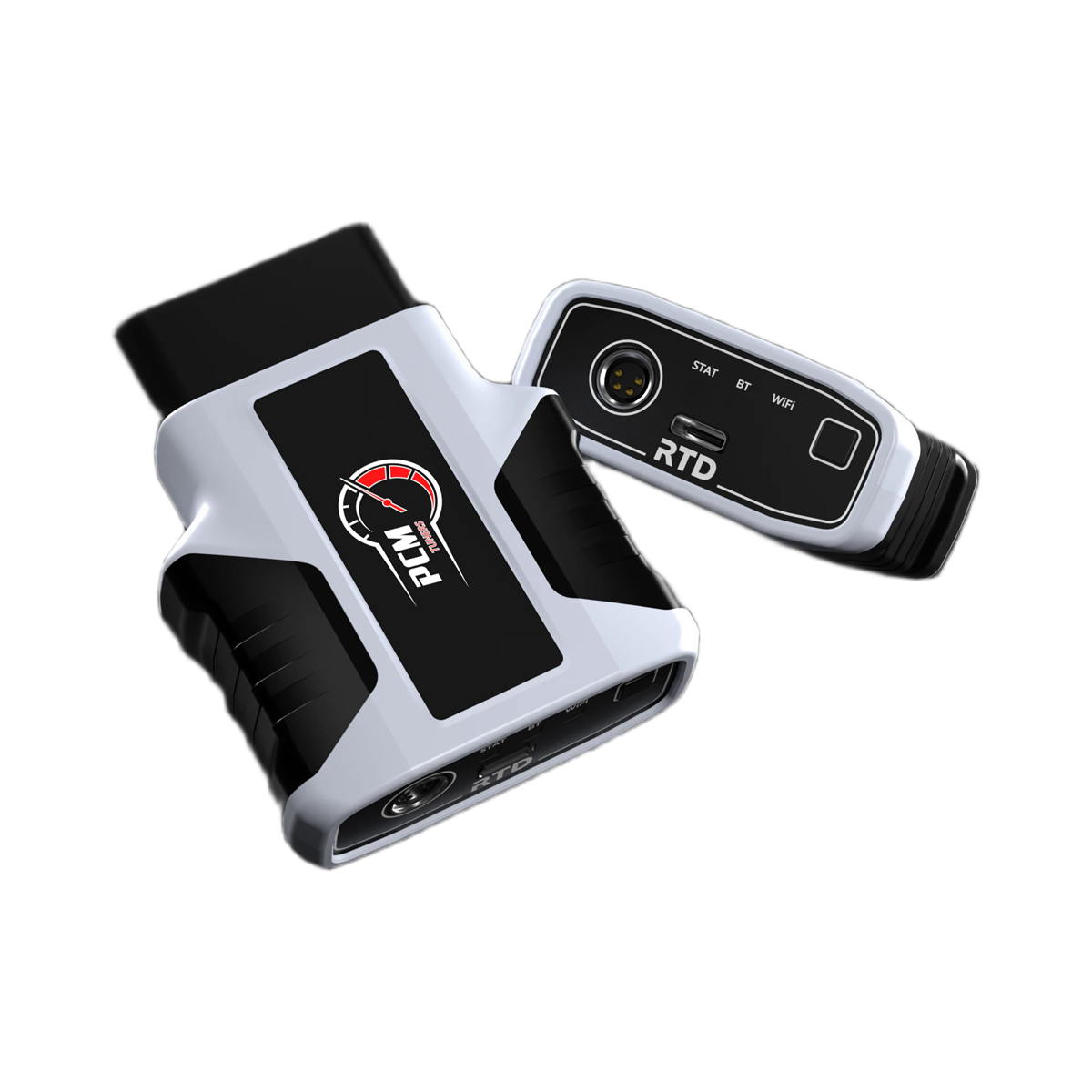
Description
HP Tuners hardware
RTD4.
The tuner-managed interface.
RTD4 connects a supported vehicle to PCM Tuners for reading, flashing and data logging. It is the straightforward choice when you want us to manage the calibration rather than edit files yourself.
Important
- Custom tuning is sold separately.
- HP Tuners Universal Credits are not included. Register the device, then purchase the required credits directly from HP Tuners.
- Compatibility, credit quantity and unlock requirements vary by vehicle and controller.
Need both pieces? Use the GM RTD4 remote-tuning package. Already own compatible hardware? Buy the custom calibration separately.
Custom tuning and revisions
This hardware purchase does not include a PCM Tuners custom tune or revisions. A separately purchased PCM Tuners remote tune includes the initial tune plus three revision rounds during its 30-day tuning period. For an existing PCM Tuners calibration, three additional revision rounds cost $75. The extra pack does not extend the tuning period.
Using RTD4 with the TDN app
Install the HP Tuners TDN app on your phone and follow the setup instructions supplied with your order. Register your RTD4, connect it to your vehicle, and purchase the required HP Tuners credits separately.
Use strong Wi-Fi or fast cellular data, especially during initial RTD setup and reading the stock calibration. Keep the vehicle battery charged and follow the app’s prompts during every read or write.
After ordering a tune, complete the service-request form. Use TDN to send the stock calibration and requested datalogs, receive your tune, and write it to the vehicle. Test the revised tune and record the next requested datalog.